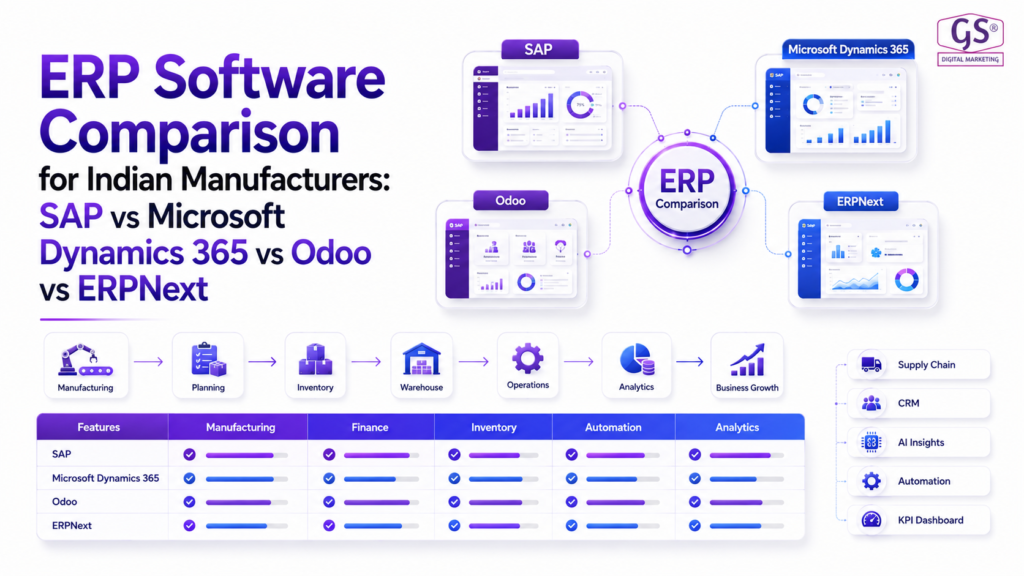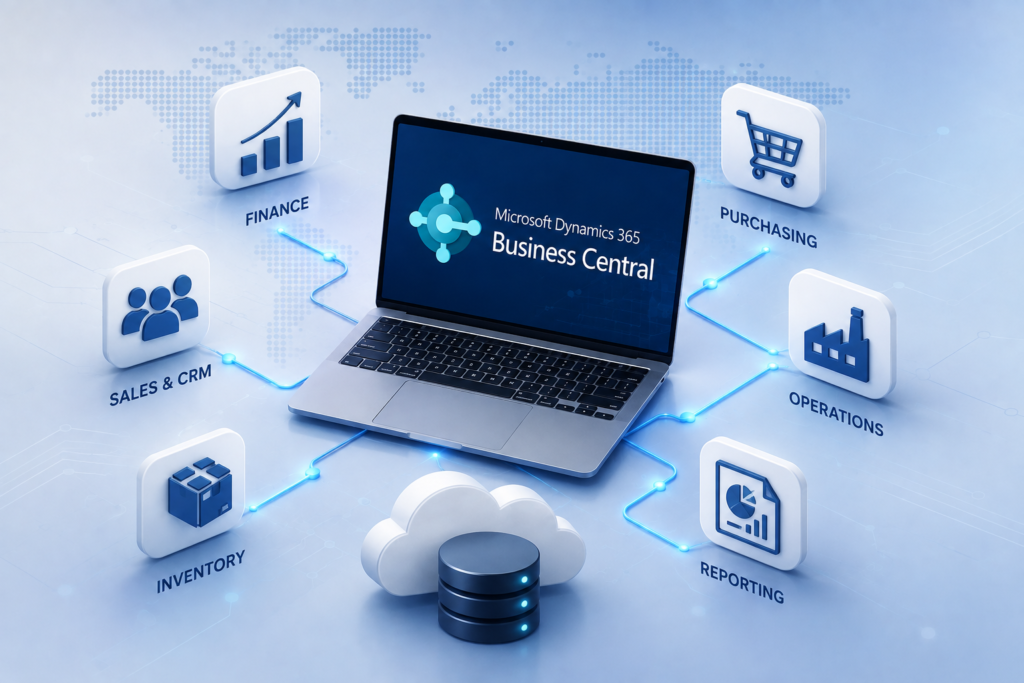
Business Central vs SAP
Compare Business Central vs SAP across manufacturing, finance, inventory, planning, scalability, implementation, usability and total ERP fit—so you can choose the platform that matches your business complexity and growth plans.
What's Inside
- 01 Business Central vs SAP: What Is the Difference?
- 02 Business Size and Business Fit
- 03 Manufacturing Capabilities
- 04 Finance and Core Operations
- 05 Inventory, Supply Chain and Planning
- 06 Usability, Customization and Ecosystem
- 07 Scalability and Enterprise Complexity
- 08 Business Central vs SAP Comparison Table
- 09 Licensing, Implementation and Total Cost
- 10 Migration and Implementation Considerations
- 11 How to Choose Between Business Central and SAP
- 12 Conclusion
- 13 Frequently Asked Questions
Choosing an ERP is less about finding the “best” product and more about finding the right operating model. Business Central vs SAP is a common comparison because the two platforms can address overlapping business needs while targeting different levels of organizational complexity.
For a growing manufacturer, distributor or multi-company business, the decision usually comes down to manufacturing depth, finance requirements, supply-chain complexity, geographic footprint, implementation capacity, integration needs and the level of customization the business expects.
Microsoft positions Dynamics 365 Business Central as a business management platform connecting finance, sales, service and operations. SAP offers several ERP paths, including SAP S/4HANA for larger and more complex enterprise environments and SAP Business One for small and midsize businesses.
Business Central vs SAP: What Is the Difference?
Business Central vs SAP is not a simple one-to-one product comparison because “SAP” can refer to different ERP products. SAP Business One and SAP S/4HANA have different target markets, capabilities and implementation profiles. Therefore, a fair evaluation should compare Business Central with the specific SAP product being considered.
Business Central is designed around connected business processes such as finance, sales, purchasing, inventory, warehouse operations, projects, service and manufacturing. Its manufacturing capabilities are available with the Premium experience and include production BOMs, routings, work and machine centres, production orders, planning and production analysis.
SAP S/4HANA is positioned for enterprise-wide operations and complex business requirements. SAP also provides manufacturing solutions covering production planning, scheduling and execution. SAP Business One provides a smaller-business ERP option with production functionality, including production BOMs and MRP-related processes.
Business Size and Business Fit
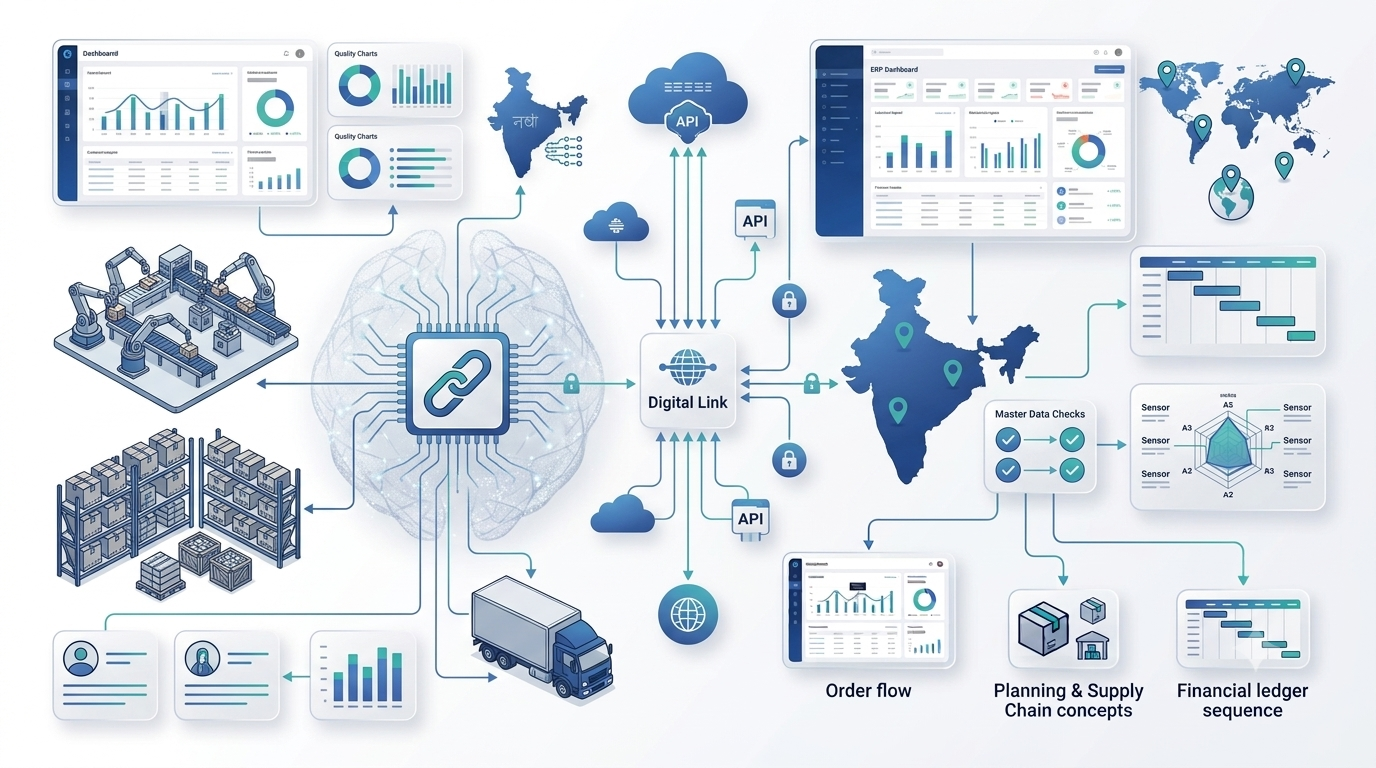
The strongest starting point in a Business Central vs SAP evaluation is business fit. A company should first map its operating model, number of legal entities, countries, plants, warehouses, users, transaction volumes and integration landscape.
Business Central is particularly relevant for small and midsize organizations that want an integrated ERP without adopting an enterprise platform that may introduce more complexity than they currently need. Microsoft states that Business Central connects finance, sales, service and operations and is aimed at small and midsize businesses.
SAP becomes attractive when the organization needs a broader enterprise operating model, highly complex processes, extensive global operations or a larger transformation program. However, SAP Business One may be more appropriate than S/4HANA when the business is smaller and wants SAP technology with a more focused scope.
The important question is therefore not “Which ERP is more powerful?” but “Which ERP provides the required capabilities without creating unnecessary implementation and governance overhead?”
Manufacturing Capabilities
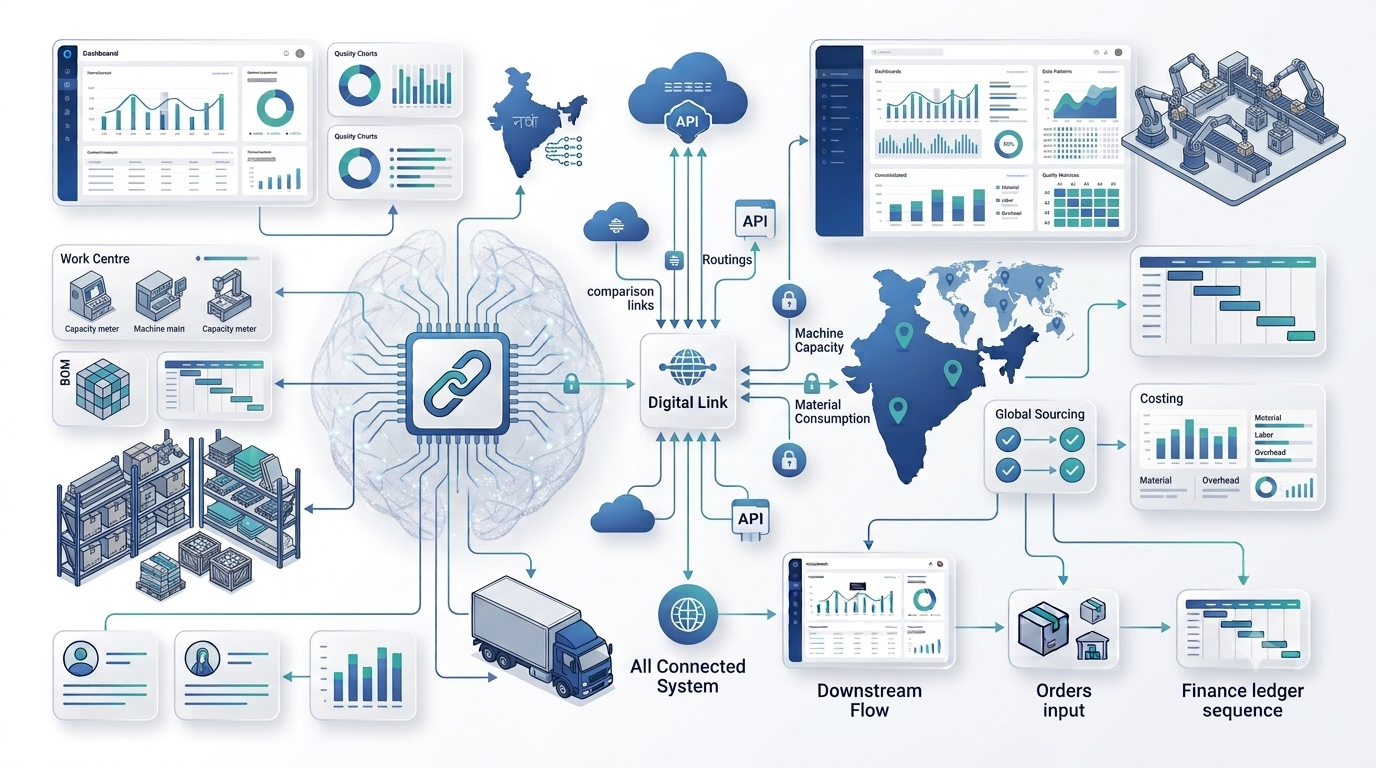
For manufacturers, Business Central vs SAP should be evaluated around the complete production lifecycle rather than a feature checklist. Important requirements include BOM management, routings, work centres, machine capacity, production orders, material planning, consumption, output, scrap, costing, subcontracting and shop-floor visibility.
Business Central manufacturing uses production BOMs to define components, routings to define operations, and work and machine centres to model capacity and costs. Production orders bring material consumption, operation time, output and finished goods together. Its planning functionality can also generate supply orders from demand and support MPS and MRP planning.
SAP manufacturing capabilities depend on the SAP product and edition. SAP S/4HANA provides enterprise manufacturing capabilities for planning and scheduling, including constrained planning and detailed scheduling. SAP Business One supports production BOMs and production orders and is designed for lighter manufacturing scenarios.
For a mid-sized manufacturer, Business Central can be a strong fit when standard manufacturing processes cover the operational requirements. For a complex enterprise with multiple plants, sophisticated planning requirements and extensive integration, SAP may provide the broader platform required.
Finance and Core Operations
An ERP should connect manufacturing with finance rather than treating production as a separate application. The system should provide a consistent flow from purchasing and inventory through production, sales, receivables, payables and financial reporting.
Business Central integrates finance with sales, purchasing, inventory, warehouse and manufacturing processes. This helps organizations maintain operational and financial context in the same ERP environment.
SAP platforms are also built around integrated enterprise processes, with S/4HANA designed for organizations that require a broad enterprise digital core. SAP's ecosystem can be valuable when the business already operates multiple SAP applications or needs deep integration across a large enterprise landscape.
When comparing Business Central vs SAP, evaluate the financial processes that actually matter to your organization: multi-company accounting, tax and statutory reporting, budgeting, fixed assets, cost accounting, intercompany transactions, approvals, audit requirements and management reporting.
Inventory, Supply Chain and Planning
Inventory and planning often determine whether an ERP delivers operational value. Manufacturers need visibility into raw materials, work in progress, finished goods, demand, supply, locations, reservations and replenishment.
Business Central supports inventory and supply planning alongside manufacturing. Its planning tools can create production, purchase, transfer and assembly supply orders based on demand. This provides a connected path from sales demand to materials and production.
SAP's supply-chain capabilities vary significantly by product. S/4HANA can support sophisticated planning and manufacturing environments, including advanced planning and scheduling scenarios. That breadth can be valuable for organizations with complex supply networks, but it should be weighed against the implementation effort and governance model required.
Usability, Customization and Ecosystem
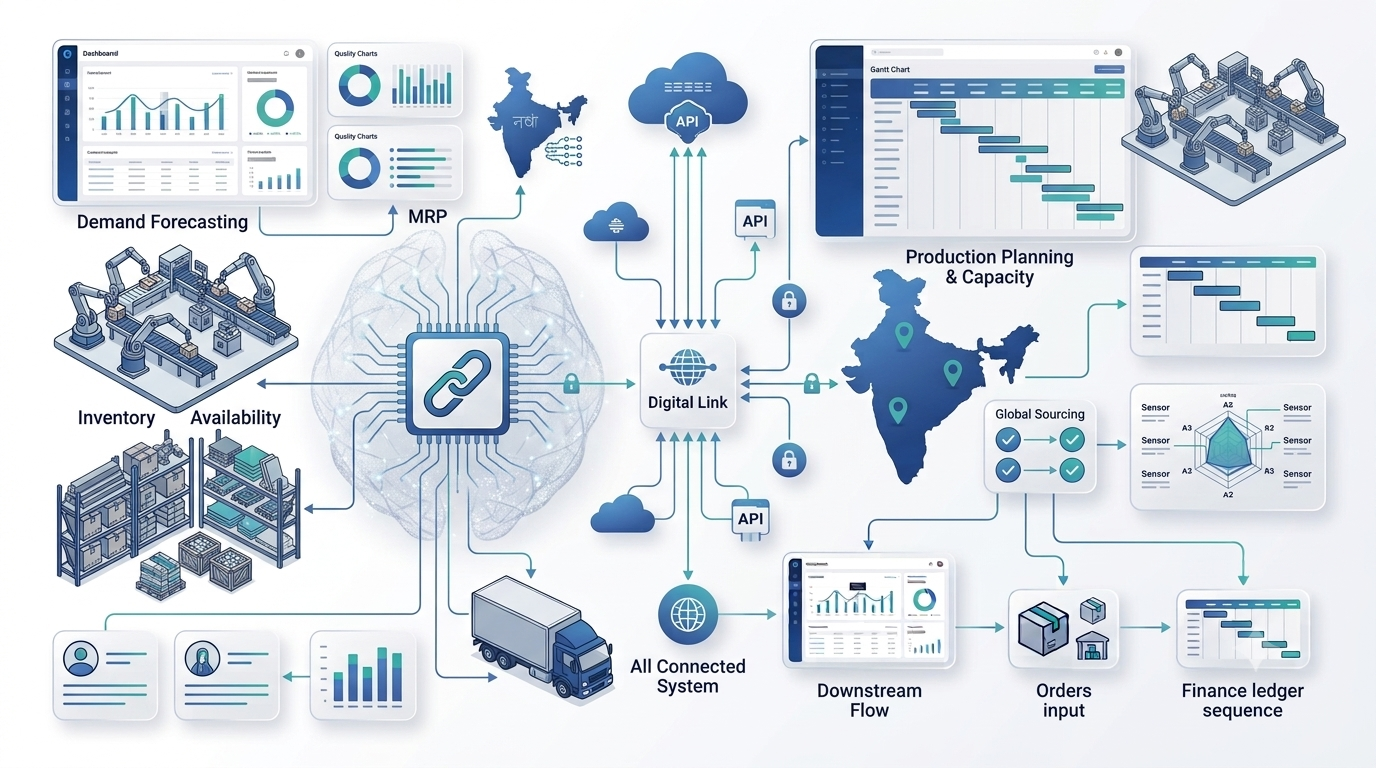
ERP usability affects adoption, training and the amount of work employees need to complete outside the system. Business Central is part of the Microsoft ecosystem and can connect with Microsoft technologies and partner extensions. This can be useful for organizations already using Microsoft 365, Power Platform, Azure or related tools.
SAP has a large enterprise ecosystem and a broad partner network. Its strength is particularly relevant when organizations require extensive enterprise integration, industry processes and global governance.
Customization should be assessed carefully in either platform. Instead of asking how much the ERP can be customized, ask which requirements should be handled through configuration, extensions, integrations or process changes. Excessive customization can increase testing, upgrade and support complexity.
Scalability and Enterprise Complexity
Both Business Central and SAP can support growing organizations, but the type of growth matters. A company moving from one plant to several locations may need more warehouses, companies, users, approvals and integrations. A global enterprise may additionally need complex organizational structures, localized processes, advanced planning and large-scale governance.
Business Central is often considered when the organization wants an ERP that can grow with a small or midsize business while keeping the implementation model relatively focused. Microsoft provides multiple environments, customization and extensibility options and support for multiple companies in its Business Central licensing framework.
SAP S/4HANA is designed for large enterprise environments and complex transformation programs. SAP's manufacturing portfolio also supports enterprise-wide collaboration and advanced planning scenarios.
In a Business Central vs SAP decision, scalability should therefore mean “scalable for our operating model,” not simply “can handle more users.”
Business Central vs SAP Comparison Table
| Area | Business Central | SAP |
|---|---|---|
| Typical fit | Small and midsize businesses; growing organizations | From midsize through large enterprise, depending on SAP product |
| Manufacturing | Production BOMs, routings, work/machine centres, production orders and planning | Broad manufacturing options; depth depends on Business One, S/4HANA and selected components |
| Planning | Demand, MPS/MRP and supply planning | Planning capabilities vary; S/4HANA supports advanced planning and scheduling scenarios |
| Finance | Integrated finance and operational management | Deep enterprise finance and broad business-process coverage |
| Ecosystem | Microsoft ecosystem and partner extensions | Large SAP ecosystem and enterprise integration landscape |
| Implementation | Often suited to a focused, phased implementation | Can require broader transformation, governance and specialist expertise |
| Best fit | Businesses seeking integrated ERP with manufacturing and Microsoft alignment | Organizations needing enterprise-scale complexity, global processes or advanced SAP capabilities |
Licensing, Implementation and Total Cost
Cost should never be evaluated from license price alone. ERP total cost includes licensing, implementation services, configuration, data migration, integrations, customization, testing, training, support and ongoing administration. In any Business Central vs SAP evaluation, separate recurring software costs from one-time implementation services.
Microsoft currently lists Business Central Essentials in India at ₹6,655 per user/month paid yearly and Premium at ₹9,150 per user/month paid yearly, with GST extra as applicable. Microsoft states that the Premium plan includes enhanced manufacturing capabilities. These are list prices and actual project cost depends on licensing, users, implementation scope and partner services.
For SAP, the appropriate commercial model depends heavily on the specific SAP product, deployment model, users, modules and implementation scope. Therefore, a generic “SAP costs X” figure is not a reliable basis for a Business Central vs SAP decision.
A better approach is to create a five-year total-cost model covering licenses or subscriptions, implementation, integrations, support, upgrades, internal resources and expected process improvements.
Migration and Implementation Considerations
ERP implementation succeeds when the business treats it as a process transformation rather than a software installation. Before selecting Business Central or SAP, document the current process and identify where spreadsheets, disconnected applications and manual approvals create risk.
- Map finance, sales, purchasing, inventory and production processes.
- Document BOMs, routings, item masters, customers and suppliers.
- Clean duplicate and obsolete master data before migration.
- Identify required integrations with CRM, e-commerce, payroll, banking, logistics and statutory systems.
- Define reporting, approval and security requirements.
- Build a realistic testing and user-training plan.
- Plan phased rollout where a big-bang deployment creates unnecessary risk.
For manufacturers, migration planning should also include opening inventory, WIP, production orders, BOM versions, routings, item tracking and costing data.
How to Choose Between Business Central and SAP
Use a weighted scorecard instead of choosing based on brand recognition. Score each platform against the capabilities that directly affect your business. A structured Business Central vs SAP scorecard also makes stakeholder discussions more objective.
- Business fit: Does the platform match your company size, structure and growth plans?
- Manufacturing fit: Can it support your BOM, routing, capacity, planning and production requirements?
- Integration: Can it connect with your existing applications without creating unnecessary complexity?
- Implementation: Do you have the right partner, internal owner and project resources?
- Usability: Can employees adopt the system without excessive workarounds?
- Total cost: What will the platform and implementation cost over several years?
- Scalability: Can it support your next stage of growth without a major platform replacement?
If your organization is a growing manufacturer already invested in Microsoft technologies, Business Central may be a natural shortlist candidate. If the organization operates at enterprise scale with complex global processes and requires the broader SAP ecosystem, SAP may be the stronger fit. The final choice should come from a documented requirements assessment and product demonstration using your real processes.
Conclusion
Business Central vs SAP is ultimately a question of business complexity, manufacturing requirements, ecosystem fit and implementation strategy. Business Central provides integrated finance, operations, inventory, planning and manufacturing capabilities for growing organizations, while SAP provides a broader family of ERP solutions that can address everything from midsize operations to complex enterprise environments.
For manufacturers, the best ERP is the one that gives users reliable operational data, connects production with inventory and finance, supports planning and provides a sustainable path for growth. Start with your processes, define your must-have requirements and evaluate both platforms against the same real-world scenarios.
Planning an ERP Upgrade?
Evaluate your manufacturing, finance, inventory and integration requirements before choosing the right ERP platform.
Frequently Asked Questions
Is Business Central better than SAP?
Neither is universally better. Business Central can be a strong fit for small and midsize organizations that want integrated finance, operations and manufacturing capabilities, while SAP can be a better fit for organizations with broader enterprise complexity. The right choice depends on requirements and the specific SAP product being evaluated.
Is Business Central suitable for manufacturing?
Yes. Business Central Premium includes manufacturing capabilities such as production BOMs, routings, work and machine centres, production orders, planning and production analysis.
What is the difference between Business Central and SAP S/4HANA?
Business Central is primarily positioned for small and midsize businesses, while SAP S/4HANA is designed for enterprise-scale operations and complex transformation requirements. Their implementation models, capabilities and target operating environments differ significantly.
Can Business Central handle MRP?
Business Central supports supply planning and MPS/MRP functionality for manufacturing and assembly scenarios, including planning based on demand and supply relationships.
Does SAP Business One support manufacturing?
Yes. SAP Business One includes production functionality such as production BOMs, production orders and resource-related manufacturing capabilities for light manufacturing scenarios.
Which ERP is easier to implement, Business Central or SAP?
Implementation difficulty depends on scope, customization, integrations, data quality and organizational complexity. A focused Business Central implementation may be simpler for a growing organization, while SAP projects can involve broader enterprise transformation requirements.
How much does Business Central cost in India?
Microsoft currently lists Business Central Essentials at ₹6,655 per user/month and Premium at ₹9,150 per user/month, paid yearly, with GST extra as applicable. Implementation and other project costs are separate.
How should a manufacturer compare Business Central vs SAP?
Compare both against real manufacturing scenarios: BOM management, production planning, capacity, inventory, purchasing, costing, finance, integrations, reporting, implementation effort and total cost of ownership.