ERP Warehouse Management System: Complete Guide for Manufacturers
Learn how an ERP warehouse management system connects receiving, inventory, bins, picking, production, shipping and reporting so manufacturers can control material movement from inbound receipt to finished-goods dispatch.
What's Inside
- 01 What Is an ERP Warehouse Management System?
- 02 Why Manufacturers Need ERP Warehouse Management
- 03 Receiving and Put-away
- 04 Inventory, Bins and Stock Visibility
- 05 Picking, Movement and Shipping
- 06 Warehouse and Production Integration
- 07 8 Key Benefits
- 08 Warehouse Management in Business Central
- 09 ERP vs Standalone WMS
- 10 Implementation Checklist
- 11 Conclusion
- 12 Frequently Asked Questions
Warehouse operations become harder to control when inventory, purchasing, production and sales rely on separate records. An ERP warehouse management system brings those processes into a connected operational model so teams can see what was received, where it is stored, what must be picked and what has already moved.
For manufacturers, the warehouse is not simply a storage area. Raw materials must reach production on time, work-in-progress needs traceability, finished goods must be available for dispatch, and inventory transactions must remain consistent with purchasing, production and finance.
Microsoft's Business Central warehouse management documentation describes capabilities such as bins, warehouse shipments, inventory picks and movement worksheets, with different configurations for different warehouse complexity levels.
What Is an ERP Warehouse Management System?
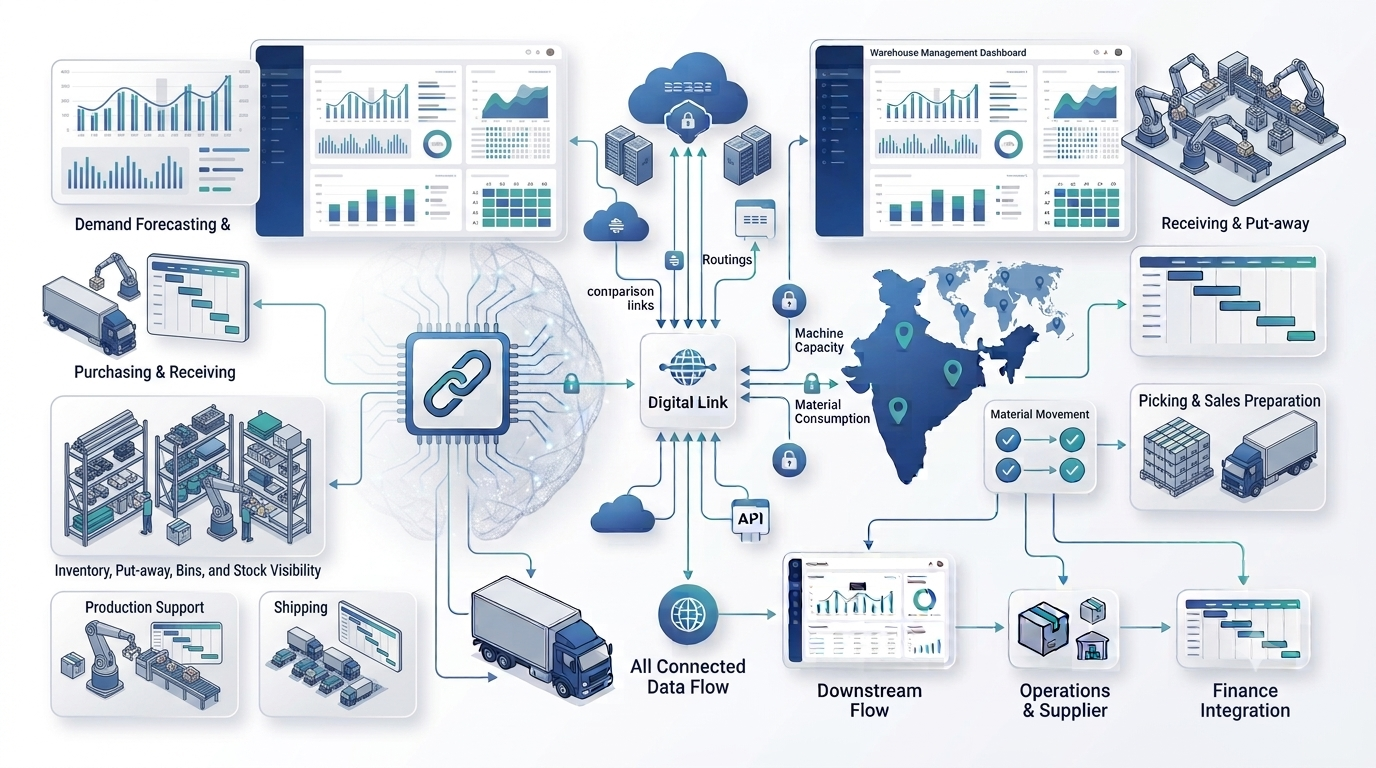
An ERP warehouse management system is warehouse functionality connected directly to an enterprise resource planning platform. Instead of treating receiving, stock movement, picking and shipping as isolated warehouse activities, the ERP links them with purchase orders, sales orders, inventory, production orders and financial transactions.
The goal is not simply to digitize warehouse paperwork. The goal is to create a consistent flow of information across the business. When a purchase receipt is recorded, inventory availability can change. When components are picked for production, the production process can consume those materials. When finished goods are received, they can become available for sales and dispatch.
A useful warehouse process usually covers receiving, put-away, storage, replenishment, internal movement, picking, packing, shipping and inventory counting. The exact features depend on the ERP, warehouse configuration and operational requirements.
Why Manufacturers Need ERP Warehouse Management
Manufacturing warehouses handle more than finished products. They may contain raw materials, components, packaging, work in progress, rejected materials, maintenance items and finished goods. Each category can follow a different movement and control process.
Without an integrated system, teams may depend on spreadsheets, manual registers or disconnected warehouse applications. That can make it difficult to answer basic questions: What quantity is actually available? Where is the item stored? Has the material been received but not put away? Has it been allocated to production? Which finished goods are ready to ship?
An ERP warehouse management system provides a common transaction trail. It can connect warehouse movements with the documents and business processes that caused those movements. This is particularly important when inventory accuracy affects production schedules, customer commitments and financial reporting.
Manufacturers should therefore evaluate warehouse software together with ERP inventory management, production planning and purchasing rather than evaluating warehouse execution in isolation.
Receiving and Put-away
Receiving is the first major warehouse control point. The system should help warehouse staff identify what is expected, what has arrived, where it should go and whether the received quantity matches the source document.
Put-away then moves received material from the receiving area into an appropriate storage location. In a simple warehouse this can be a basic inventory transaction. In a more advanced operation, the system can generate warehouse documents and suggest bins or put-away actions.
Microsoft documents several Business Central warehouse configurations, from direct posting to inventory put-aways and warehouse receipts, with more advanced flows for consolidated and directed warehouse activities.
- Purchase order and expected receipt visibility.
- Receipt quantity validation.
- Bin and location assignment.
- Put-away tasks and warehouse documents.
- Quality or inspection-area handling.
- Traceability for controlled inventory.
Inventory, Bins and Stock Visibility
Stock visibility is one of the most important functions of an ERP warehouse management system. A manufacturer needs to distinguish between total stock and usable stock. Quantity may exist physically but be allocated to a sales order, reserved for production, located in quality inspection or stored in another warehouse.
Bins provide a more detailed view of item placement. Microsoft describes bins as the basic warehouse structure in Business Central, with fixed, dedicated, default and other bin configurations depending on the warehouse setup.
For manufacturers, warehouse visibility should connect to the broader inventory process. A good design makes it easier to understand raw-material availability, component locations, finished-goods stock, transfers between locations and inventory adjustments.
Businesses can also connect warehouse processes with the broader ERP operating model instead of maintaining a separate spreadsheet as the unofficial inventory source.
Picking, Movement and Shipping
Outbound warehouse work generally includes selecting the right inventory, moving it to a staging area and recording shipment. In manufacturing, picking also happens internally when components need to move from storage to a production area.
An ERP warehouse management system can support different levels of picking complexity. Basic environments may use inventory picks, while more advanced warehouses can use warehouse shipments, pick worksheets, warehouse picks and movement processes.
Business Central documentation describes inbound, outbound and internal warehouse flows, including inventory picks, warehouse shipments and movements between bins.
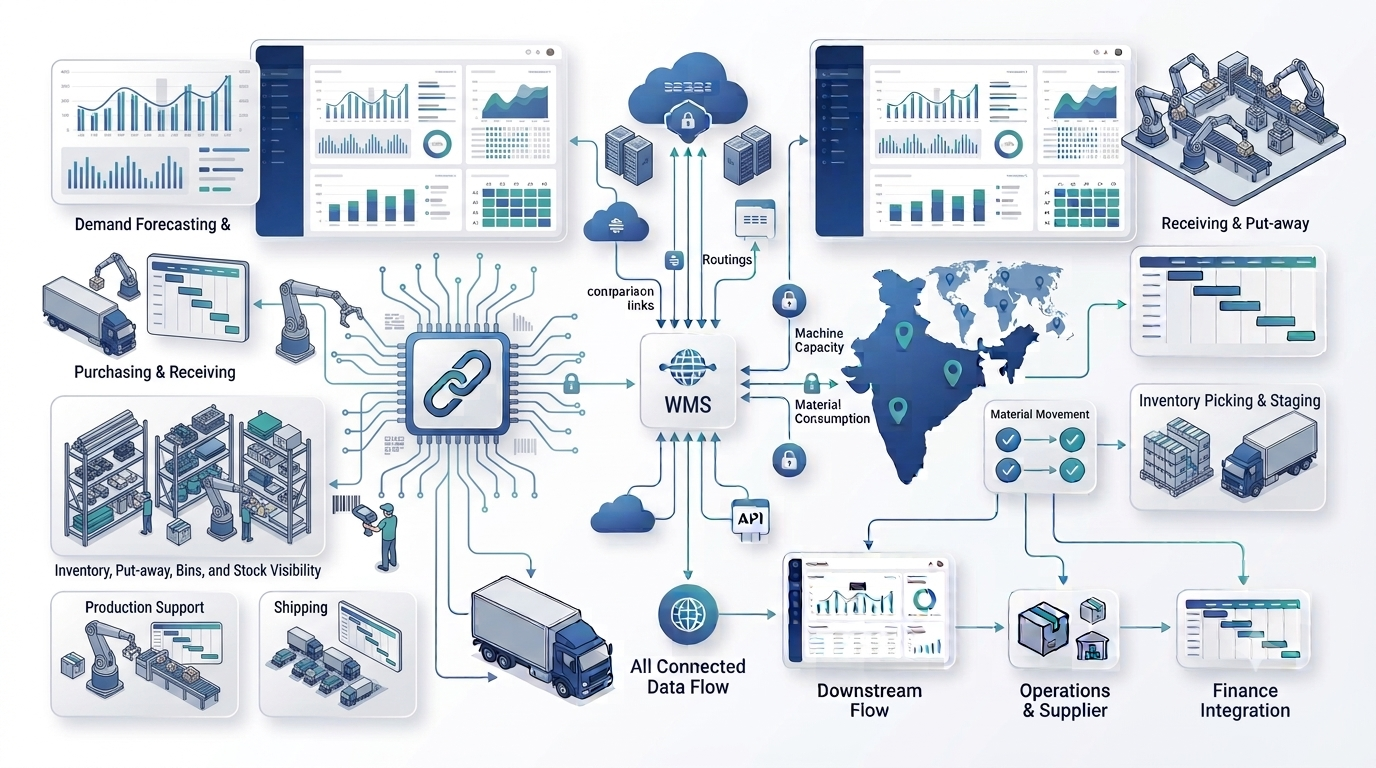
For dispatch operations, the important question is not simply whether the system can create a shipment. It should also preserve the connection between the sales order, inventory allocation, warehouse activity and final posting.
Warehouse and Production Integration
Manufacturing makes warehouse integration especially important. Production needs materials at the right time and in the right quantity. The warehouse needs to know which components are being picked, where they are moving and whether finished output has been received.
A connected process can link production orders with component availability, picking and consumption. Microsoft documents inventory picks and movements for production areas in Business Central, allowing warehouse processes to support component handling and production consumption.
This integration also supports finished-goods flow. After production output is recorded, the goods can move into an appropriate warehouse location or bin and become part of the available inventory position.
For businesses with complex production, warehouse requirements should be assessed alongside Business Central manufacturing capabilities, including production BOMs, routings and production orders.
8 Key Benefits of an ERP Warehouse Management System
| Benefit | What It Improves |
|---|---|
| 1. Inventory visibility | Shows stock by location, bin and operational status. |
| 2. Better receiving | Connects expected receipts with actual warehouse activity. |
| 3. Faster put-away | Provides structured storage and put-away workflows. |
| 4. More accurate picking | Guides warehouse staff toward the required items and quantities. |
| 5. Production coordination | Connects component movement with manufacturing requirements. |
| 6. Better shipping control | Links warehouse shipments with sales and inventory transactions. |
| 7. Stronger traceability | Creates a more consistent transaction history for inventory movements. |
| 8. Better reporting | Combines warehouse information with purchasing, sales, production and finance data. |
The value comes from the connection between these capabilities. A warehouse system that knows stock levels but is disconnected from production and finance may still leave important gaps.
ERP Warehouse Management in Microsoft Dynamics 365 Business Central
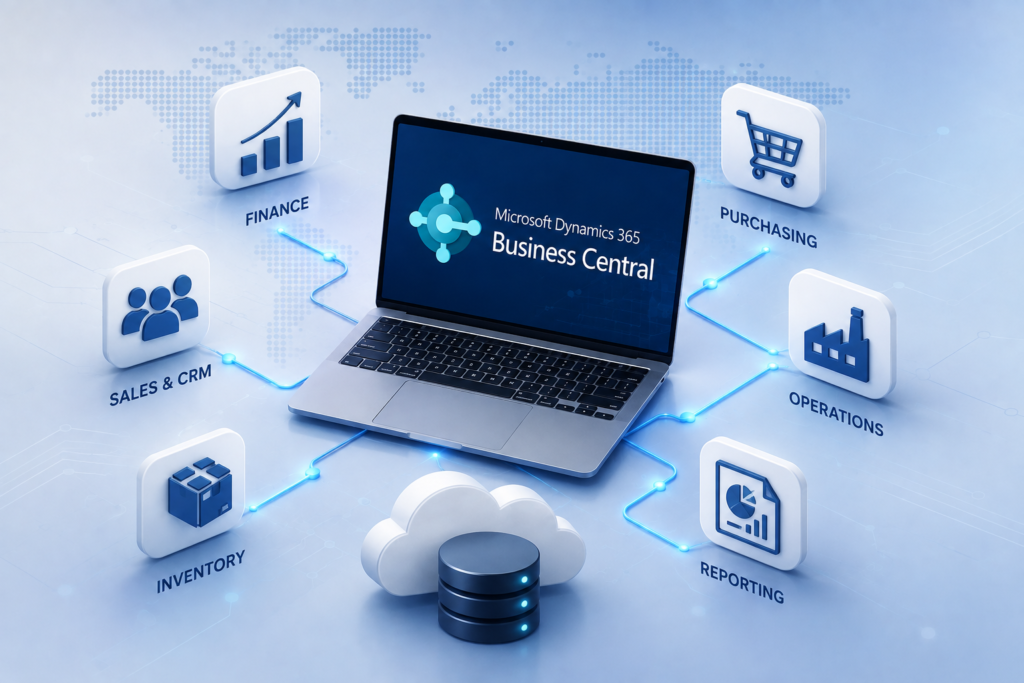
Microsoft Dynamics 365 Business Central is a relevant example of an ERP platform with configurable warehouse functionality. Microsoft describes options ranging from basic warehousing to advanced configurations using bins, warehouse receipts, put-aways, picks, shipments and directed put-away and pick.
Business Central can model warehouse locations and bins, assign warehouse employees to locations, create bin contents and configure processes according to operational complexity. Microsoft also provides training for setting up warehouse tasks, including bins, inventory put-aways, inventory picks, warehouse receipts and shipments.
For a manufacturer already considering Business Central, warehouse functionality should be evaluated alongside finance, purchasing, inventory, production and planning. That broader approach helps determine whether the ERP can become the main operational system rather than another disconnected warehouse application.
See Microsoft's Business Central overview for its positioning around inventory, supply chain and warehouse management. Microsoft currently describes warehouse optimization features including pick-and-put-away processes and barcode-scanner support.
ERP Warehouse Management System vs Standalone WMS
An ERP and a standalone WMS solve related but different problems. An ERP is responsible for the broader business transaction model, while a WMS is usually focused on warehouse execution.
| Area | ERP Warehouse Management | Standalone WMS |
|---|---|---|
| Finance | Native connection to financial transactions | Usually requires ERP integration |
| Purchasing & Sales | Direct connection to orders and inventory | Typically receives and sends transaction data |
| Production | Can connect warehouse activity with production | Depends on integration and WMS scope |
| Warehouse execution | Good fit for integrated warehouse processes | Often deeper specialization for warehouse execution |
| Best fit | Businesses wanting one connected operational platform | Businesses requiring specialized warehouse execution or an existing ERP strategy |
Neither approach is automatically better. If the warehouse is relatively straightforward and the business wants a unified ERP, integrated warehouse functionality can reduce system fragmentation. If warehouse execution is highly complex, a specialized WMS may be justified — provided the integration with the ERP is reliable.
ERP Warehouse Management System Implementation Checklist
Implementation should start with the physical warehouse and actual business flows, not the software screens. Document how goods enter, where they are stored, how they move and what triggers each transaction.
Document warehouses, zones, storage areas and production areas.
Review items, units of measure, lots, serials and inventory categories.
Decide where fixed, picking, receiving, quality and other bin structures are required.
Define purchase receipts, returns, inspection and put-away.
Define allocation, picking, staging, packing and shipment.
Document component picking, movement, consumption, output and finished-goods put-away.
Identify where barcode scanning or mobile warehouse operations add value.
Validate item, bin, supplier, customer, BOM and location data.
Include shortages, over-receipts, damaged goods, wrong bins, partial picks and inventory adjustments.
Train warehouse, production, purchasing, sales and finance teams on the connected process.
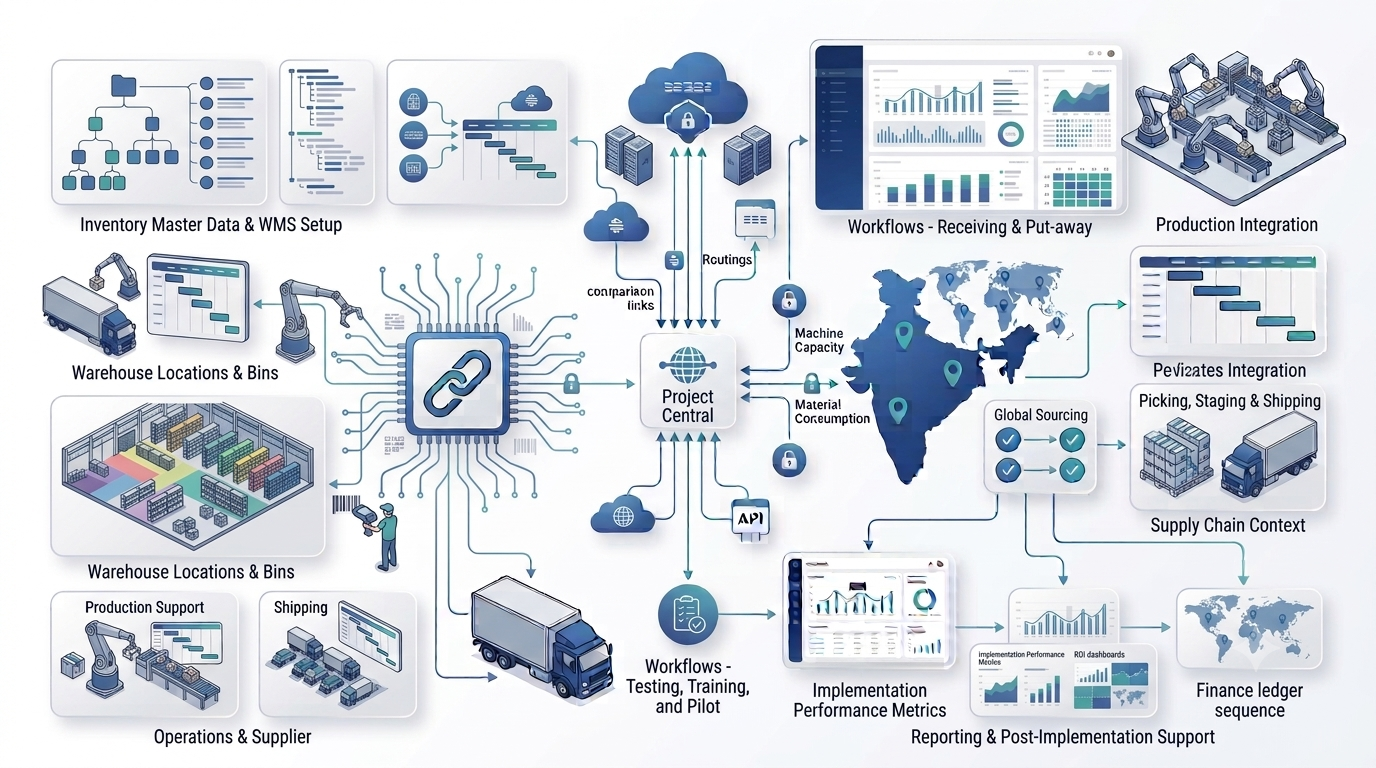
A practical implementation should also define warehouse KPIs such as inventory accuracy, receiving cycle time, put-away completion, pick accuracy, order cycle time, stock discrepancies and warehouse productivity.
Conclusion
An ERP warehouse management system becomes valuable when warehouse transactions are connected to the rest of the business. Manufacturers need more than a stock count: they need visibility into where material is, what it is allocated to, what production needs and what is ready for customer shipment.
The right solution depends on warehouse complexity, production requirements, number of locations, inventory controls, scanning needs, reporting, integrations and the organization's wider ERP strategy. Start by mapping your actual warehouse flows and then evaluate the software against those processes.
If your business is also reviewing inventory processes, our guide on how ERP improves inventory management can help connect warehouse requirements with the wider inventory strategy. For implementation planning, see our ERP implementation cost in India guide.